AI Moodboard Generator: 2026 Comparison of the 8 Tools That Actually Work
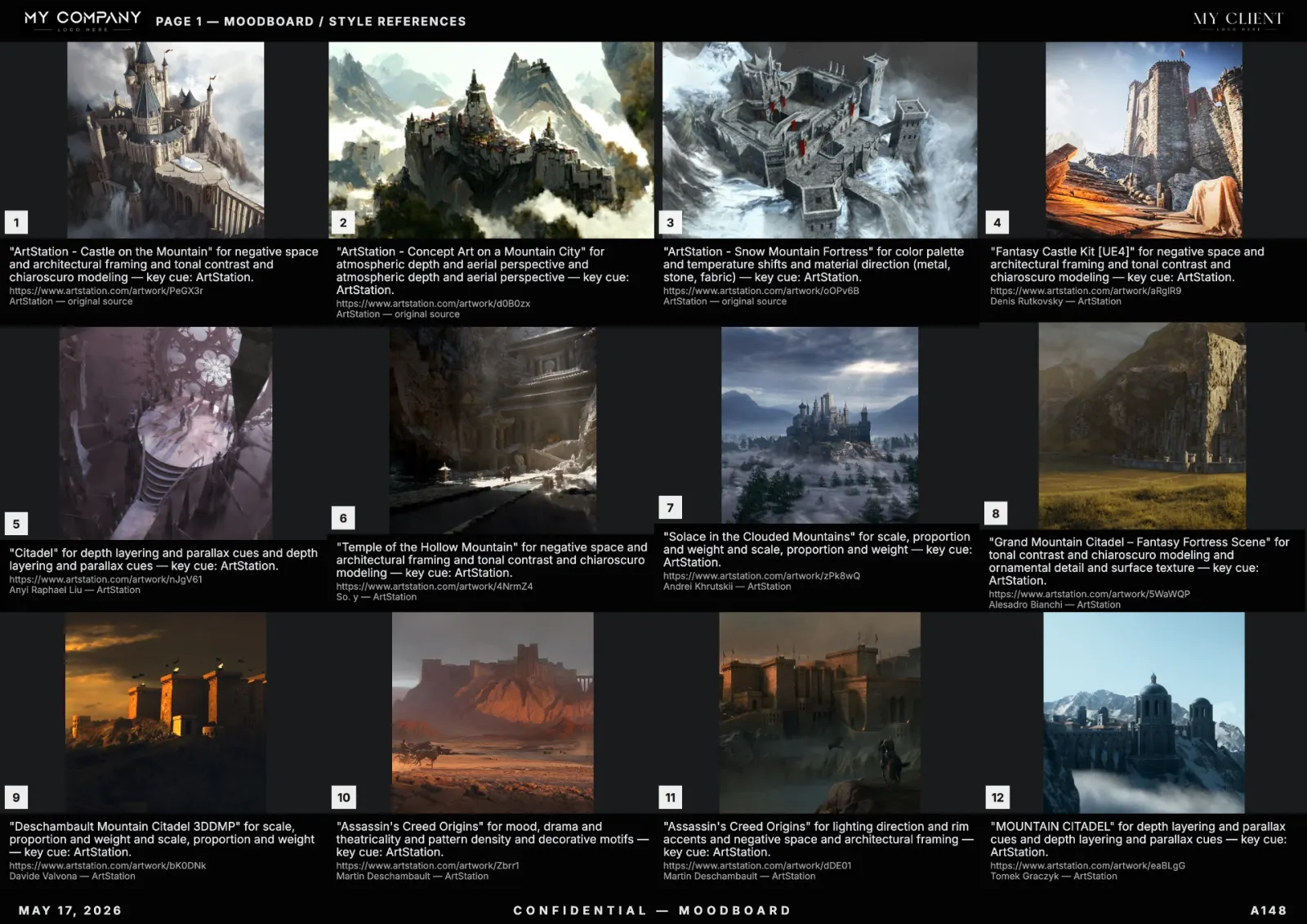
"AI moodboard generator" returns dozens of tools in 2026 — most are wrappers around a single image model with no editing, no palette logic and no export. This is a head-to-head comparison of the eight serious tools, tested on the same brief: "brutalist Tokyo arcade, neon, 35mm film grain", 16 references, palette locked to charcoal + cyan + magenta.
The tools tested
- Venngage AI Moodboard Generator — ranks #1 on Google for the keyword.
- Miro AI Moodboard — bolted onto the whiteboard.
- Adobe Firefly Moodboard — generative AI from Adobe's own image model.
- Canva Mood Boards — template-driven, manual curation.
- Google Mixboard (Labs) — experimental, free.
- ChatGPT "Moodboards AI" GPT — text-only briefs.
- Higgsfield Moodboard — generative-image-heavy.
- RefMood — search-based, palette-locked, editable canvas.
Comparison matrix
| Tool | Source | Palette lock | Editable canvas | PDF export | Free tier |
|---|---|---|---|---|---|
| Venngage | Stock | No | Limited | Paywall | Watermarked |
| Miro AI | Generative | No | Yes | Yes | 3 boards |
| Adobe Firefly | Generative | Partial | No | No | Limited credits |
| Canva | Stock | No | Yes | Yes | Generous |
| Google Mixboard | Generative | No | Yes | No | Free |
| ChatGPT GPT | Generative | No | No | No | Plus only |
| Higgsfield | Generative | No | Limited | Yes | Limited |
| RefMood | Curated + licensed | Yes | Yes | Vector | Generous |
What actually matters
Most "AI moodboard generators" are demos. For real client work, four criteria decide whether a tool survives the second week:
- Source provenance. Generative-image moodboards cannot be cleared by legal. A board you cannot ship is worthless.
- Palette lock. If "darker, less saturated" sends you back to zero, you do not have a tool — you have a slot machine.
- Editable canvas. Real moodboards get rearranged 10 times. A slideshow is not a moodboard.
- True vector PDF. Clients open PDFs. Print teams need vector. Anything else is a screenshot.
Verdict per use case
- Personal hobby boards → Google Mixboard or Canva (free, fast, no stakes).
- Internal brainstorming → Miro AI or ChatGPT GPT (already in your stack).
- Generative-only briefs (no licensing constraint) → Higgsfield, Adobe Firefly.
- Client and production work → RefMood. Curated sources, palette lock, editable canvas, vector PDF.
Why the SERP is misleading
Venngage ranks #1 because it is a large infographic site with strong domain authority — not because the tool is the best. The Miro and Adobe pages rank because the brands are huge. The actual best-in-class for working creatives in 2026 are smaller, specialist tools: RefMood for search-based boards, Higgsfield for generative-only, Mixboard for fun.
Pricing reality check
Every paid tool sits between $10 and $30 per month. The differentiator is not price — it is whether the generated board can be exported, edited and shipped to a client without legal or production friction. Free tiers everywhere are usable for one or two boards a month.
How to choose in 60 seconds
Three questions: (1) does the client need to know the sources? (2) do you need palette control? (3) do you need a vector PDF? If any answer is yes, you need a search-based tool with palette lock and PDF export — RefMood was designed around exactly this checklist.