Exporting Moodboards: PDF, Keynote, Figma — Which Format Wins?
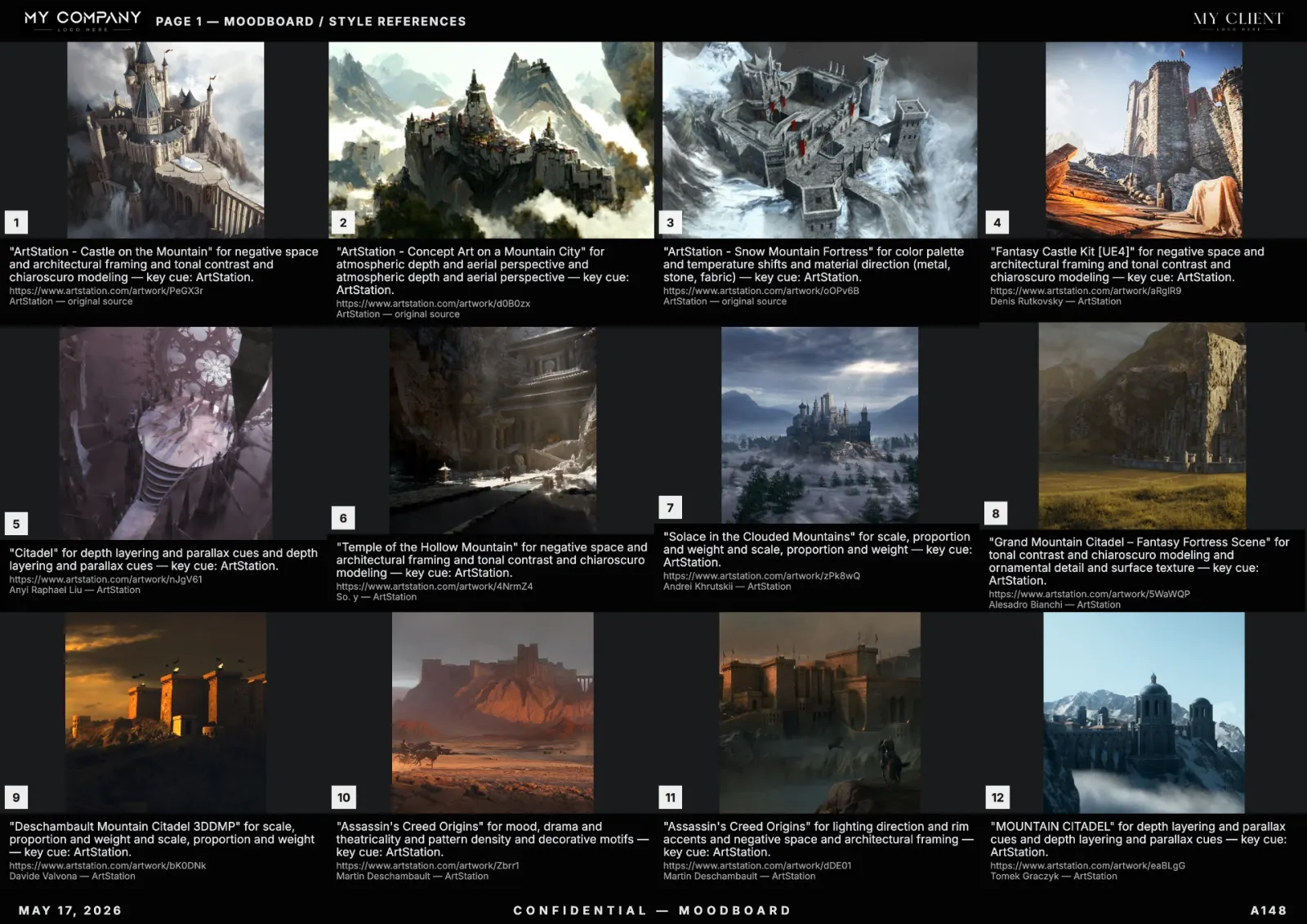
A moodboard that lives only inside a SaaS tool is half a deliverable. Clients open PDFs. Sales teams present in Keynote. Designers continue work in Figma. Here is the export matrix that the best studios use.
PDF — the universal client format
Vector PDF at A3 landscape, 300 DPI for any embedded raster. Embed fonts. Strip metadata if the client is NDA-sensitive. RefMood's PDF export does this by default.
Keynote / PowerPoint — for live pitches
One direction per slide, not the entire board on slide one. Use the palette strip as a recurring footer so the audience builds a visual memory.
Figma frames — for production
Export tiles as separate frames at 1:1 source resolution, named with caption and palette token. Designers can drop them into any working file without losing context.
PNG sheets — for Slack and WhatsApp
A 2400px wide PNG sheet is the right unit for chat previews. It survives compression and reads on a phone.
Print specs that survive
- Bleed: 3mm minimum.
- Color profile: Adobe RGB for client review, CMYK only at print stage.
- DPI: 300 for hero tiles, 150 acceptable for secondary.
FAQ
Can I export a moodboard to Figma directly?
Yes. Modern moodboard tools export Figma-compatible frames or PDFs that paste cleanly into Figma. RefMood ships both paths.